Stop losing viewers mid-video. Creator’s Best Friend turns your edit markers into YouTube chapters in seconds, boosting navigation, SEO and watch time.
Create YouTube, or Vimeo Pro Video Chapters from Final Cut Pro Project Chapter Markers, or Premiere Pro and Resolve Sequence Markers.
OMG this should be compulsory for any YouTube content creator with any intention to monetize their content. It addresses one of the most vexing problems with trying to navigate any content over a few minutes in length
Bill Buchanan, Director/Editor WRCB
US$14.99
The Final Cut Bro talks it up!
A review by The Final Cut Bro, one of YouTube’s leading Final Cut Pro educators
Extra Metadata helps Ranking
Video Chapters add extra metadata to your description that is used to improve a video’s ranking.
Provide Direct Links to Products
In Video Chapters you can provide direct links to products or organizations you might mention. Affiliate links can be shortened in a URL shortener.
Edit Chapters Before Committing
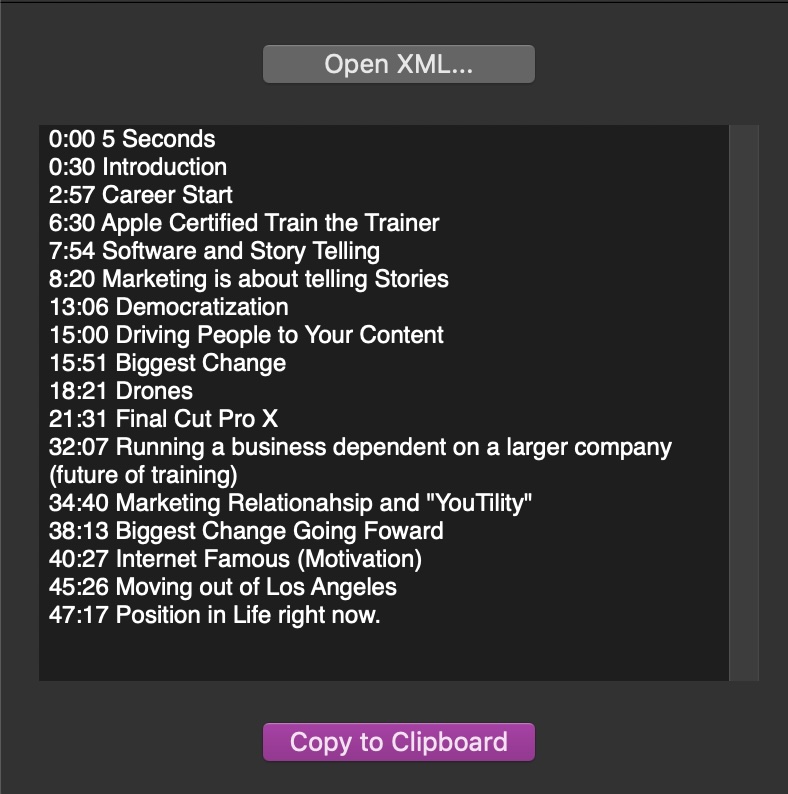
The Creator’s Best Friend interface lets you edit Chapter Markers before copying them.
Just a few simple steps
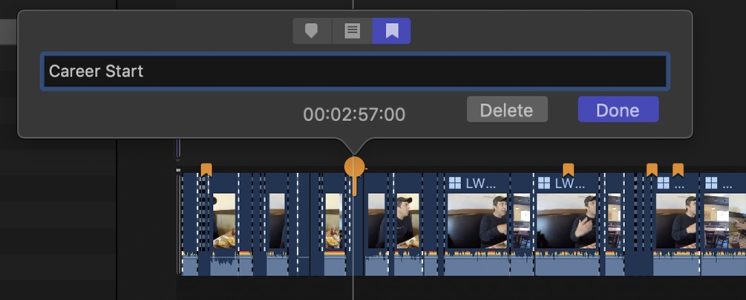
1. Add Chapter Markers to your Project or Sequence as you edit.
2. (FCP) Drag the Project to the Creator’s Best Friend Workflow Extension.
(PP & Resolve) Export OTIO and open it in Creator’s Best Friend.
3. Edit Markers in Creator’s Best Friend.
4. Copy the Chapter Markers from Creator’s Best Friend using the prominent ‘Copy to Clipboard’ button.
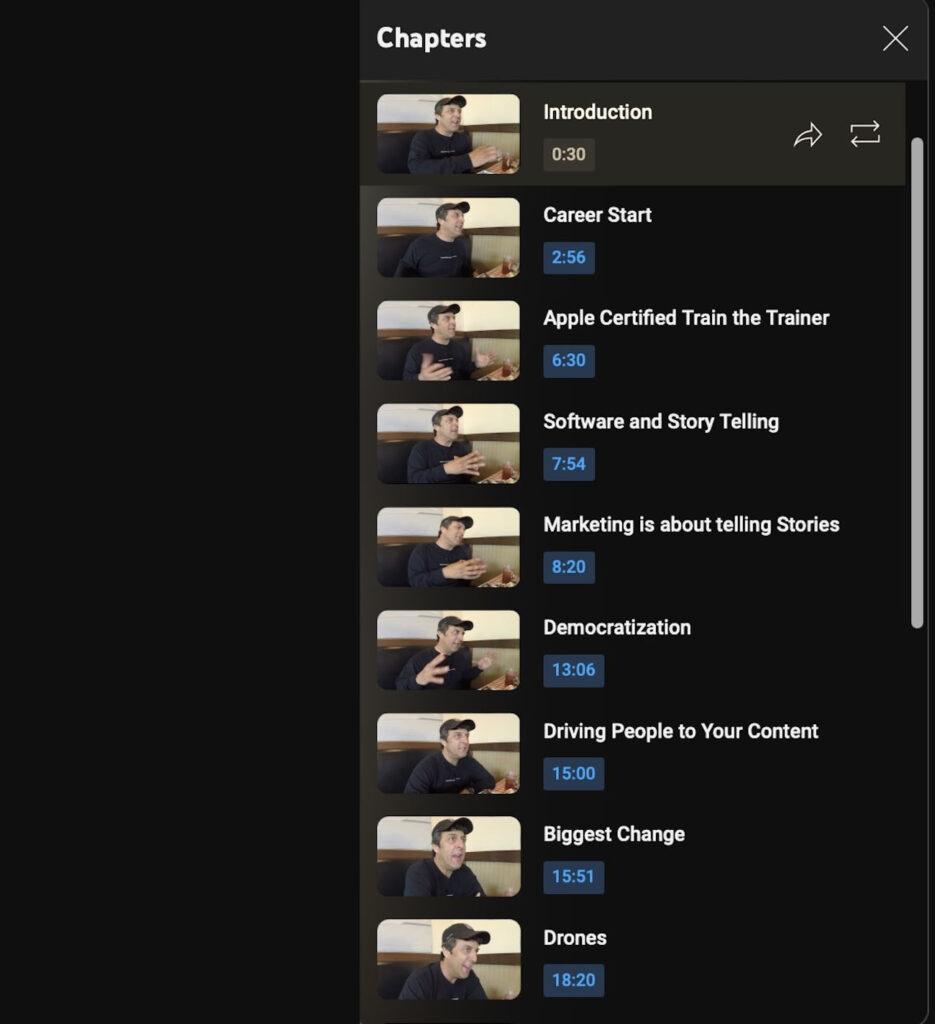
5. Paste into the Description Field of your video in YouTube Creator’s Studio.
This will actually be a huge time save! Anyone who makes @YouTube content and uses FCPX give this a look. $15 could save you lots of time.
Time is money after all!
Auburn Digital via Twitter
This is great. I was just searching how to find chapter markers in final cut and ended up downloading this program. Well worth the $14.99
Russ Lyman (via YouTube)
Chapters are tags and section headers and SEO and deep links and storytelling and replayability and accessibility and convenience and copywriting and branding and workflow.
I frickin’ love chapters.
Matthew Cassinelli, Host #SmartTechToday on
@TWiT & YouTube Blogger
Creator’s Best Friend is, quite literally, your best friend.
Matthew Obrien, 5 Essential Apps for YouTubers and Content Creators.